MA Lighting’s new MA Video Processing Unit (VPU) is especially developed to further extend the MA system by integrating innovative video control.
The whole operation relies on MA’s well established control philosophy and is therefore as straightforward as possible. Setting up and programming the MA VPU is really time saving. This plug & play solution allows for instant show start. After connecting the MA VPU to a grandMA/grandMA2 console everything is ready to go. With the MA VPU video will be controlled just like another lighting fixture.
Based on MA Lighting’s rock solid technology, the MA VPU offers extreme reliability and powerful performance – optimised for transport, longevity and use on-the-road as well as for fixed installations like theatres, TV studios, etc.
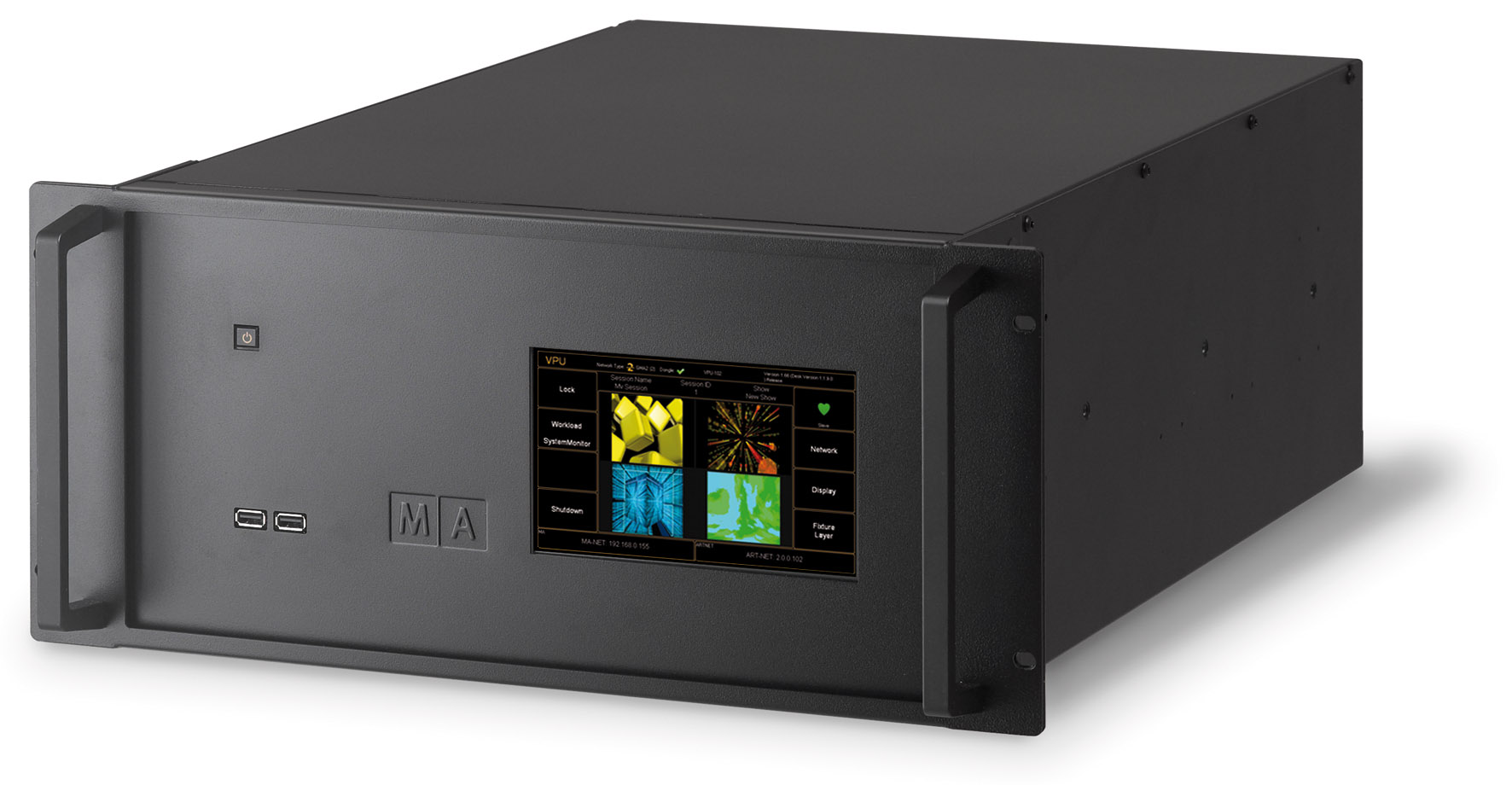
Three different versions of the MA VPU are available: MA VPU pro, MA VPU plus and MA VPU basic.
It is possible to select, control, live-access and to alter all the MA VPU’s videos, still images and 3D objects from the grandMA. As all MA VPUs and grandMA consoles share the same show file in an MA-Net network, just one additional MA VPU can backup the complete system. If an MA VPU fails it is possible to easily select your backup MA VPU and use it instead.
The MA VPU pro provides four Full-HD (1920 x 1080 pixels) DVI-outputs to control four individual streams with one MA VPU pro. The MA VPU plus offers two Full-HD (1920 x 1080 pixels) DVI-outputs and the MA VPU basic two HD (1280 × 720 pixels) DVI-outputs.
Thanks to the horizontal and vertical softedge blending as well as the keystone correction, it is possible to scale the output to any needed size. Furthermore the 3D Key-stoning functionality enables the user to fit content to any 3D objects irrespective of size and shape. If there is a video running too fast or too slow it can be adjusted via the frame interpolation and smooth speed control.
Additionally the powerful Pixel Mapper can be used to display video content on any DMX-Matrix (up to 256 DMX universes via Art-Net). The picture can be aligned on pixels which don’t have fixed aspect ratios. An invaluable feature is the possibility to change between Pixel Mapper-mode and “Standard”-mode from any grandMA console, says outputting video content via projectors or plasma screens.
There are numerous other functions, features and effects available like contrast, saturation and hue as well as blur, sepia, black/white, waves. All of them can be easily accessed and their use is self explanatory. Also the MA VPU plays back the sound of video clips and can be controlled by an individual sound master per layer.
With up to 32 x 3D-video-layers (8 for the MA VPU basic) the MA VPU allows massive scope for creativity, coupled with over 15GB of professional pre-installed HD and SD video content on every unit.

Leave a Reply